Background images
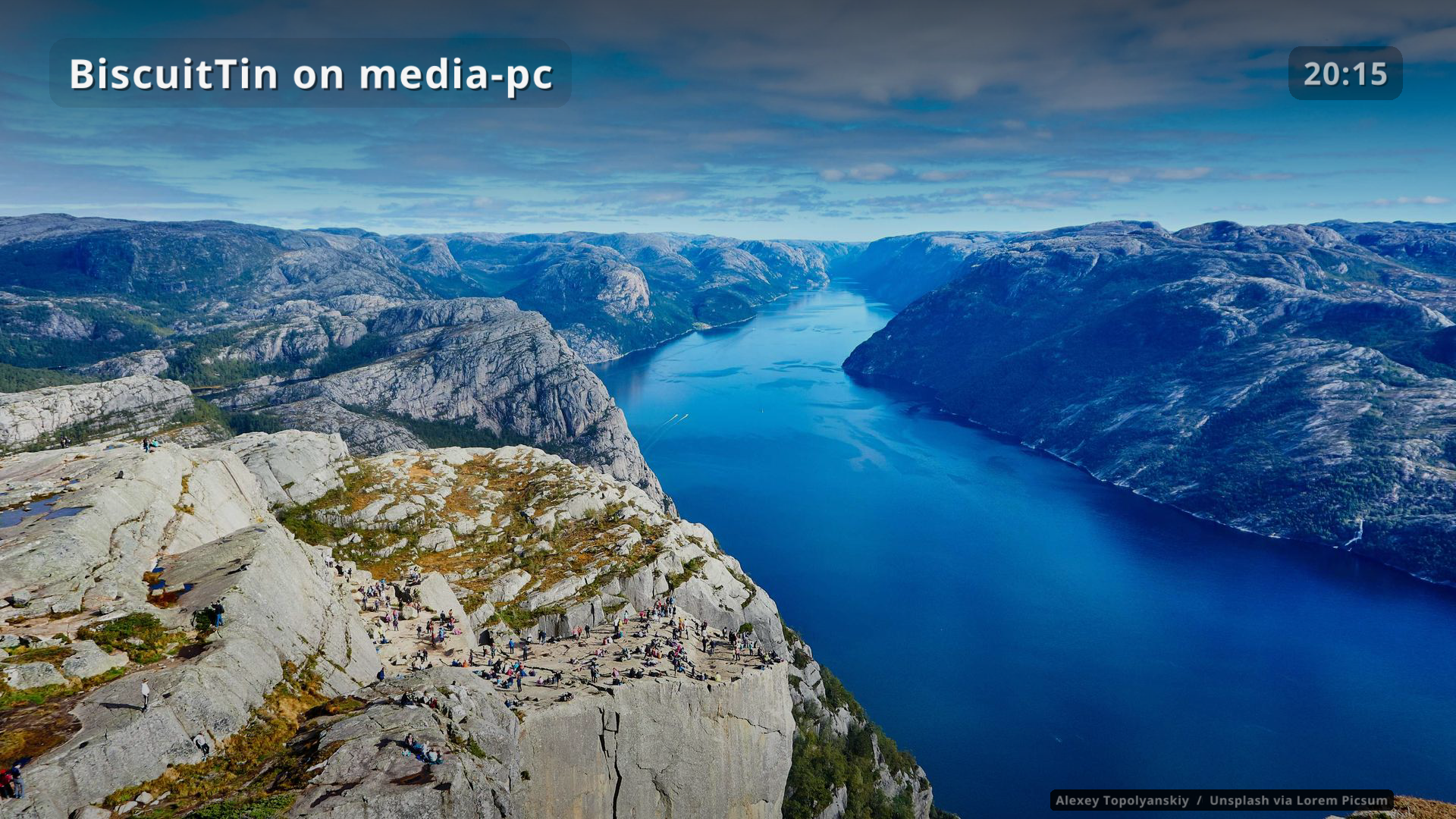
Royalty-free photos rotate behind the launcher, alternating between providers.
| Provider | Images |
|---|---|
|
Featured Wikimedia Commons photos of landscapes, cityscapes, coasts and similar scenery (CC or public domain), matching the viewport orientation. Picture of the Day is not used — that feed is any topic, including people and religious art. Titles, descriptions and categories are also checked for people and religious subjects. |
|
Lorem Picsum: Unsplash photos, under the Unsplash licence, requested at the current window size. Picsum has no subject tags, so its photos cannot be filtered the same way. |
|
Your own |
The photographer and licence are shown bottom right.
For local, put the credit line in a <image>.credit file next to each image.
backgrounds:
  enabled: true
  providers: [wikimedia, picsum]   # or [local]
  # dir: ~/Pictures/tv             # for the local provider
  interval: 60                     # seconds, 60 to 86400
  dim: 0.45                        # darken images so text stays readable, 0 to 1
Picsum is asked for the current window size (for example 2160x3840 on a rotated monitor).
If that size is missing or the file is unreadable, it retries standard sizes of the same orientation (1080x1920, 1920x1080, and so on).
Wikimedia only takes a thumbnail width: the window width first, then 1920.
To keep backgrounds to scenery only, set providers: [wikimedia] (or [wikimedia, local]).
A temple or portrait can still slip through if the English title and categories do not mention it.
Downloaded images are cached under ~/.cache/biscuittin/backgrounds/ (the newest 150 per provider), and cached images are reused when offline.
The last 5 images shown are also kept in backgrounds/recent/.
On startup those are pruned to 5 (older ones deleted), and the newest is shown immediately, before the providers are queried.
Turn images on or off, and change the interval, from More > Settings. See idle for how the tiles fade out to show the photo.