Links Homepage (links-homepage)
This template simply shows a page of links grouped by category. This might be useful for a homepage, or a page of links to your favorite sites.
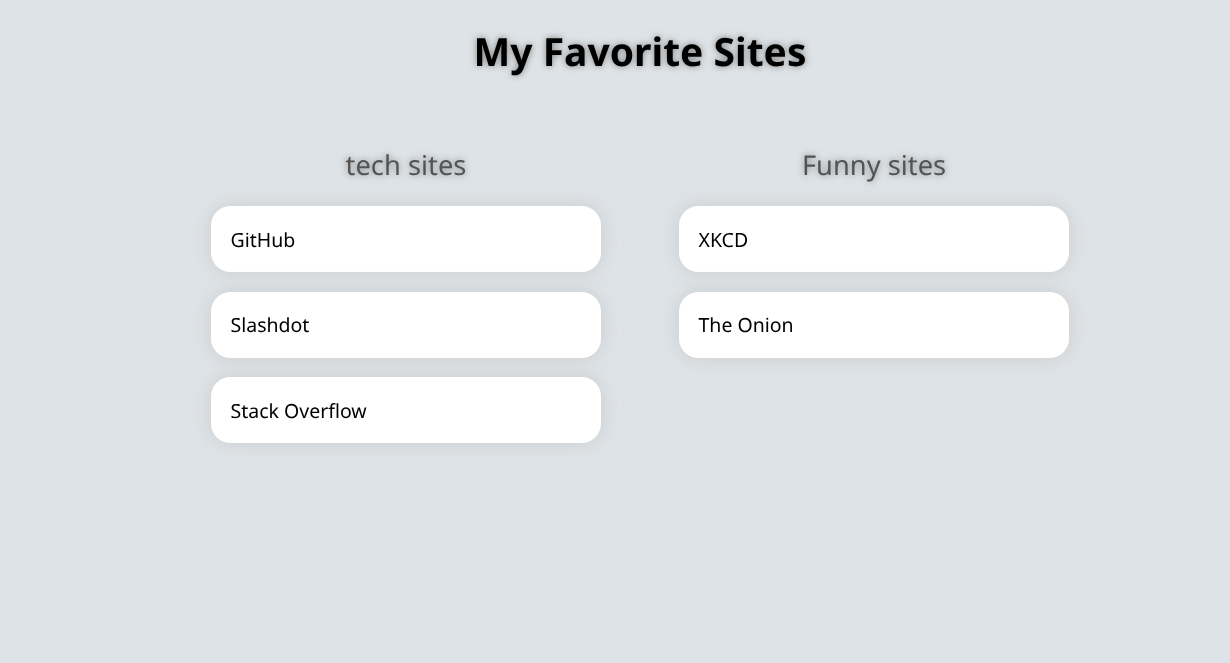
Datafile structure
title: My Favorite Sites

categories:
  - title: tech sites
    links:
    - url: github.com
      title: GitHub
      description: Code hosting and collaboration

    - url: slashdot.com
      title: Slashdot

    - url: stackoverflow.com
      title: Stack Overflow

    - url: https://grafana.example.com
      url_internal: http://grafana.internal:3000
      title: Grafana
      description: Metrics dashboards

  - title: Funny sites
    links:
      - url: xkcd.com
        title: XKCD
        description: A webcomic of romance, sarcasm, math, and language

      - url: theonion.com
        title: The Onion
Each link requires a url (used for the hyperlink) and title. Optional fields:
-
description— short text shown below the link title in list view. -
url_internal— when set, used as the base URL to fetch the favicon during build instead ofurl. Use this when the public URL sits behind a reverse proxy that requires authentication but an internal URL is reachable from the build environment. -
icon— path or URL to a favicon; when set, automatic favicon fetching is skipped.
Footer
The footer includes an Options control and a StencilBox link. The StencilBox link uses {{ .webuiUrl }} and opens the web UI on the build config that generated the page. See Templates for other built-in variables.
Example Build Config
Check out the Build Configs page for an example of how to use this template.