orgviz
Organize and Visualize people
Screenshots
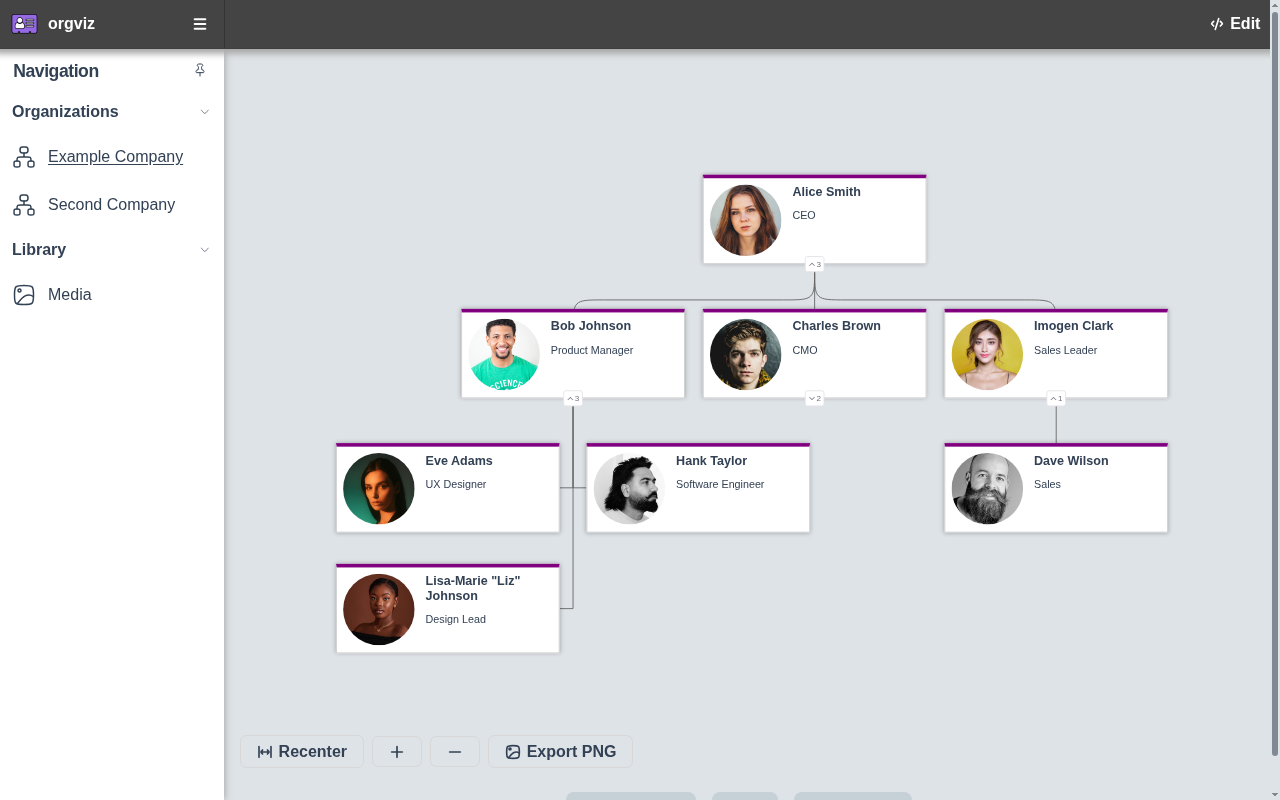
Figure 1. Org chart
An interactive org chart for Example Company, with names, job titles and avatars, so reporting lines are visible at a glance.
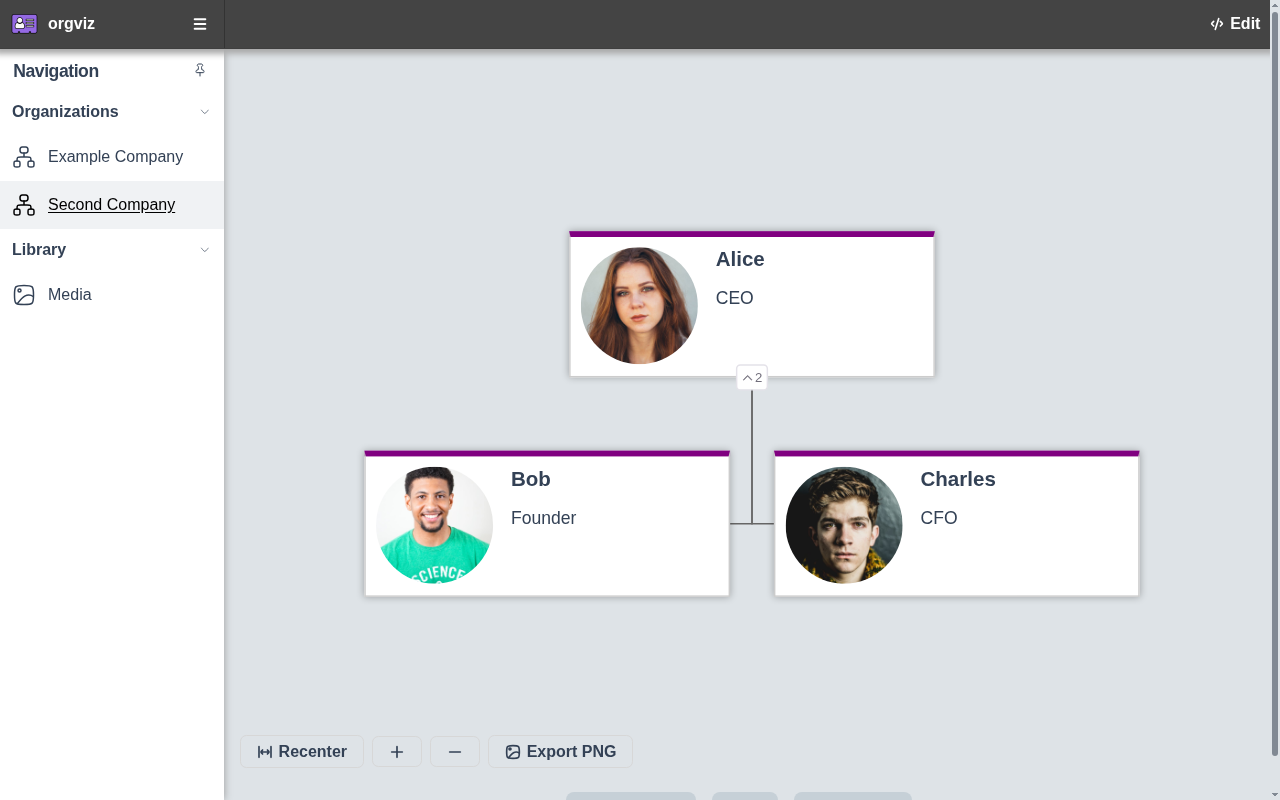
Figure 2. Switch charts
Switch between organisation files from the header, so one orgviz instance can show several teams or companies.
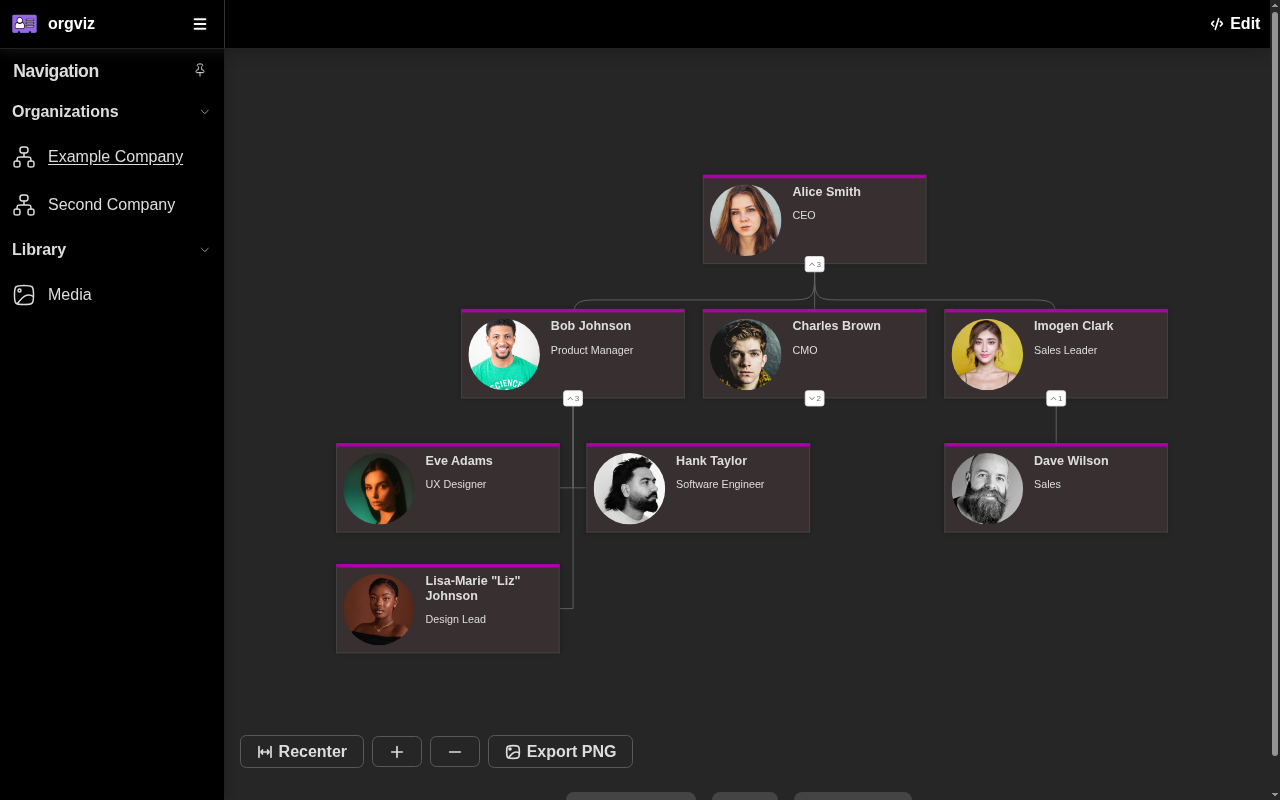
Figure 3. Dark mode
The same org chart in a dark colour scheme that follows the browser preference, easier on the eyes in low light.
Screenshots use fictional data and are regenerated with make screenshots (see var/marketing/screenshots).