Screenshots
A quick tour of Japella’s web interface.
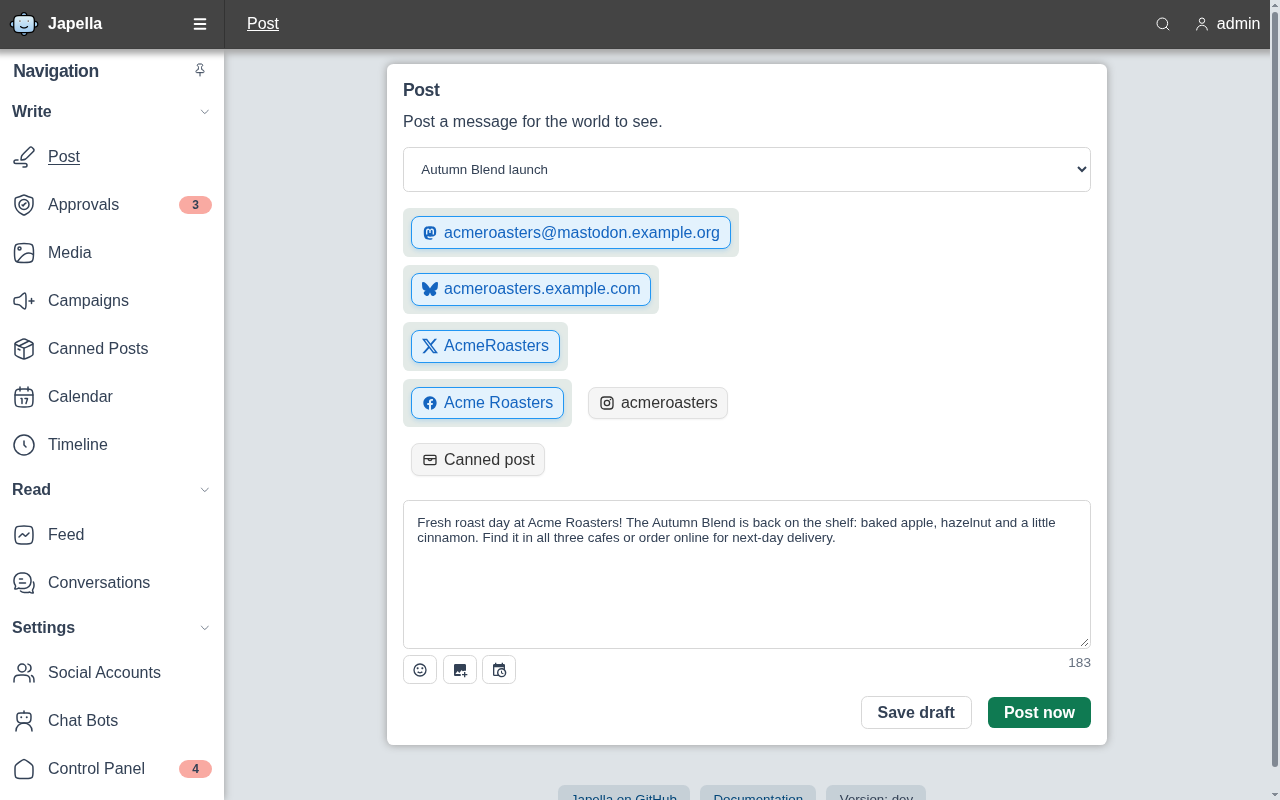
Compose once, post everywhere
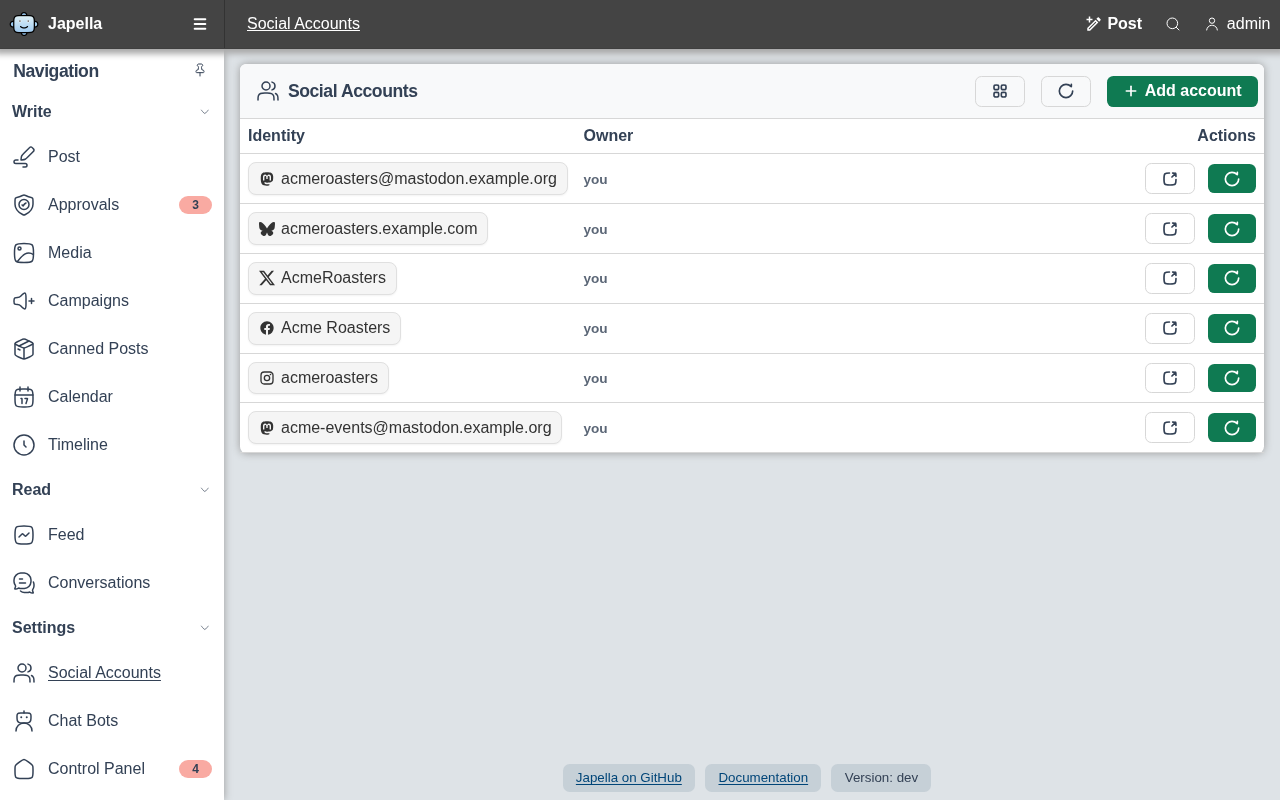
Write a post, pick the Mastodon, Bluesky, X, Facebook and Instagram accounts it should go to, and publish now, schedule it or save a draft.
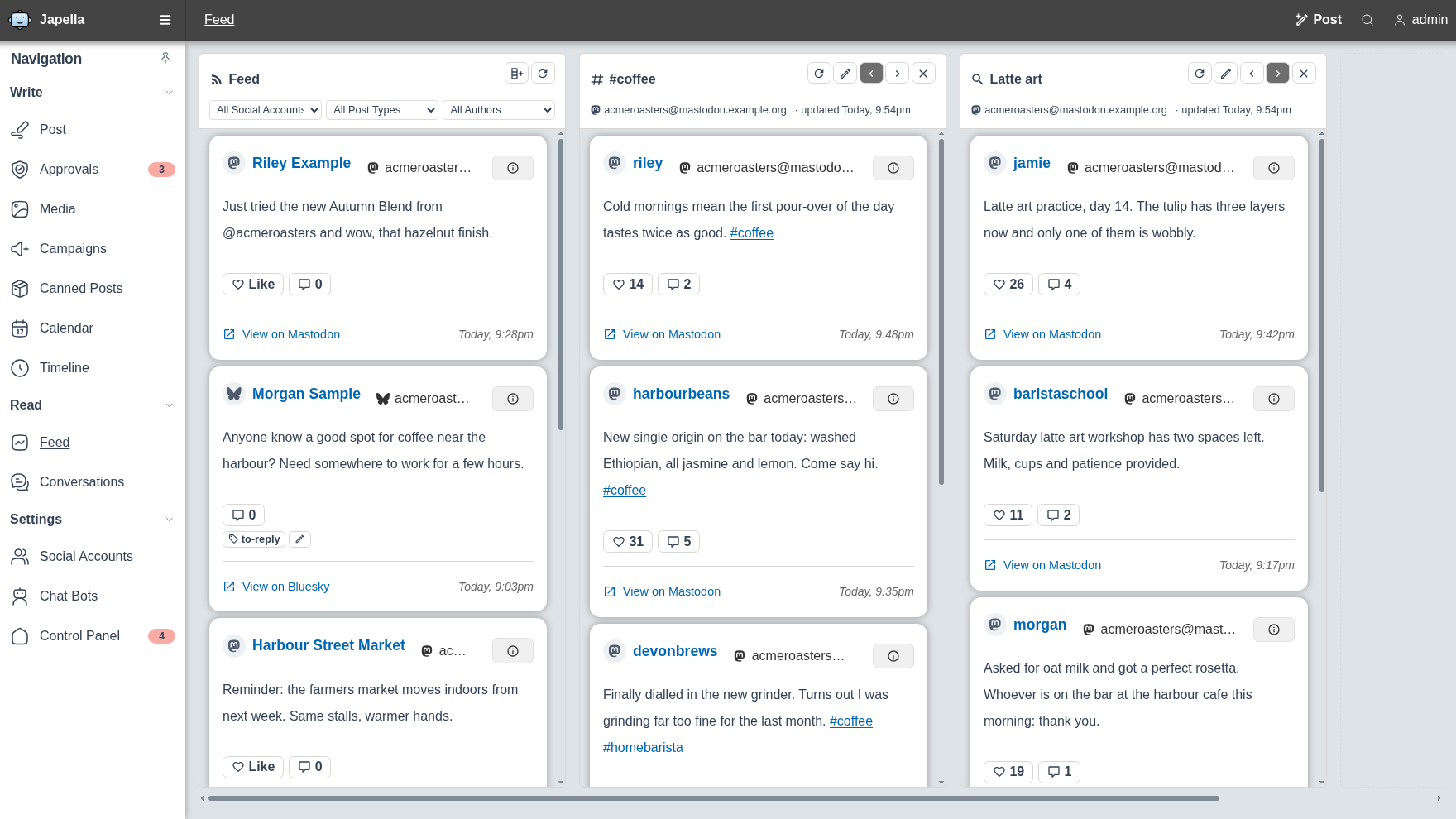
Monitor multiple social feeds
Read your feed side by side with columns that follow a hashtag or a search, and keep track of posts with private tags such as to-reply.
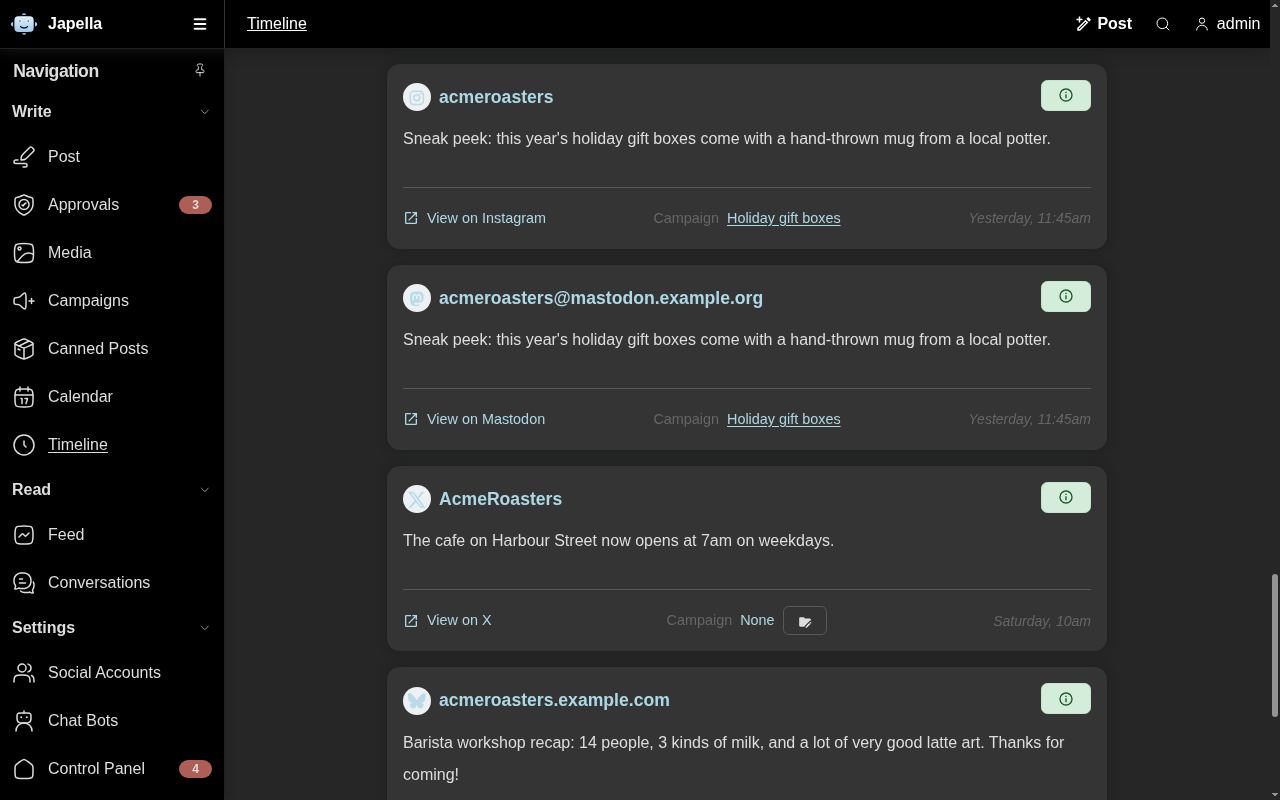
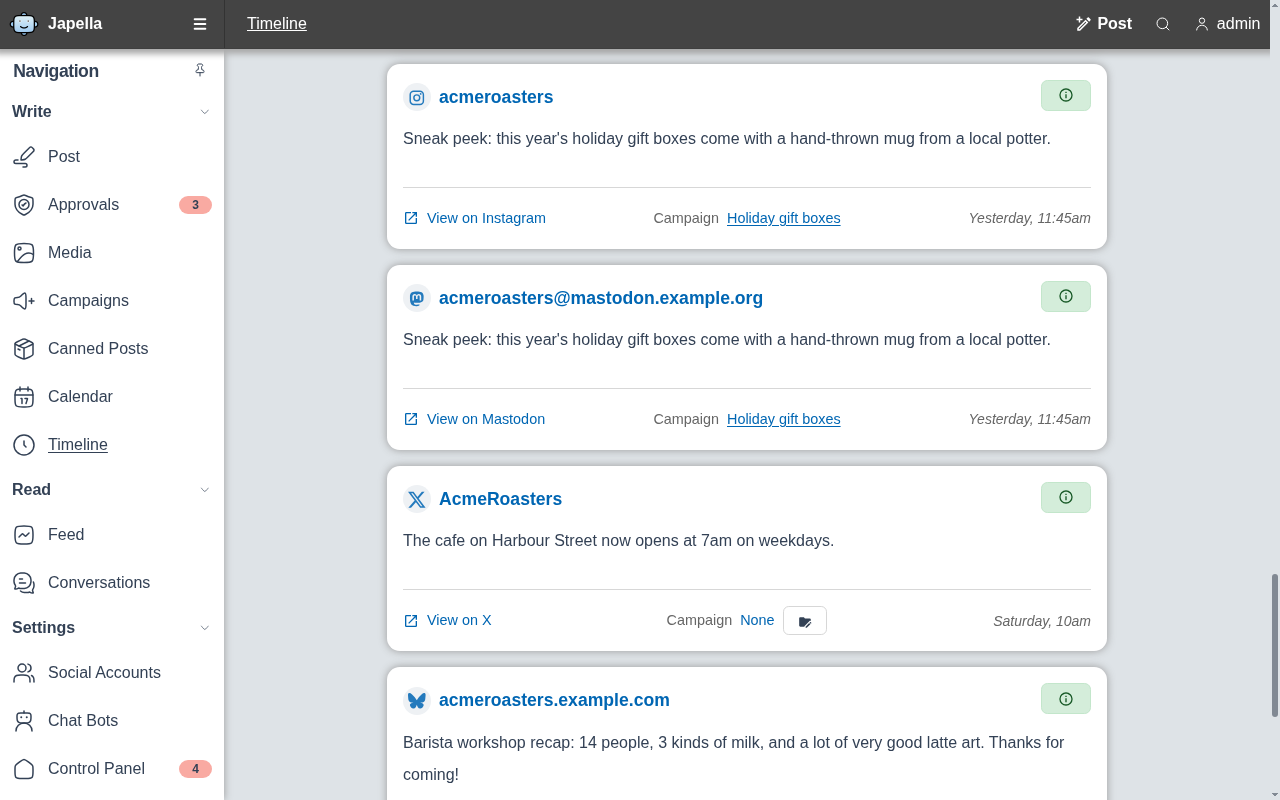
Timeline
Every post you have published, scheduled or drafted, across all of your accounts, with its campaign and a link to the live post.
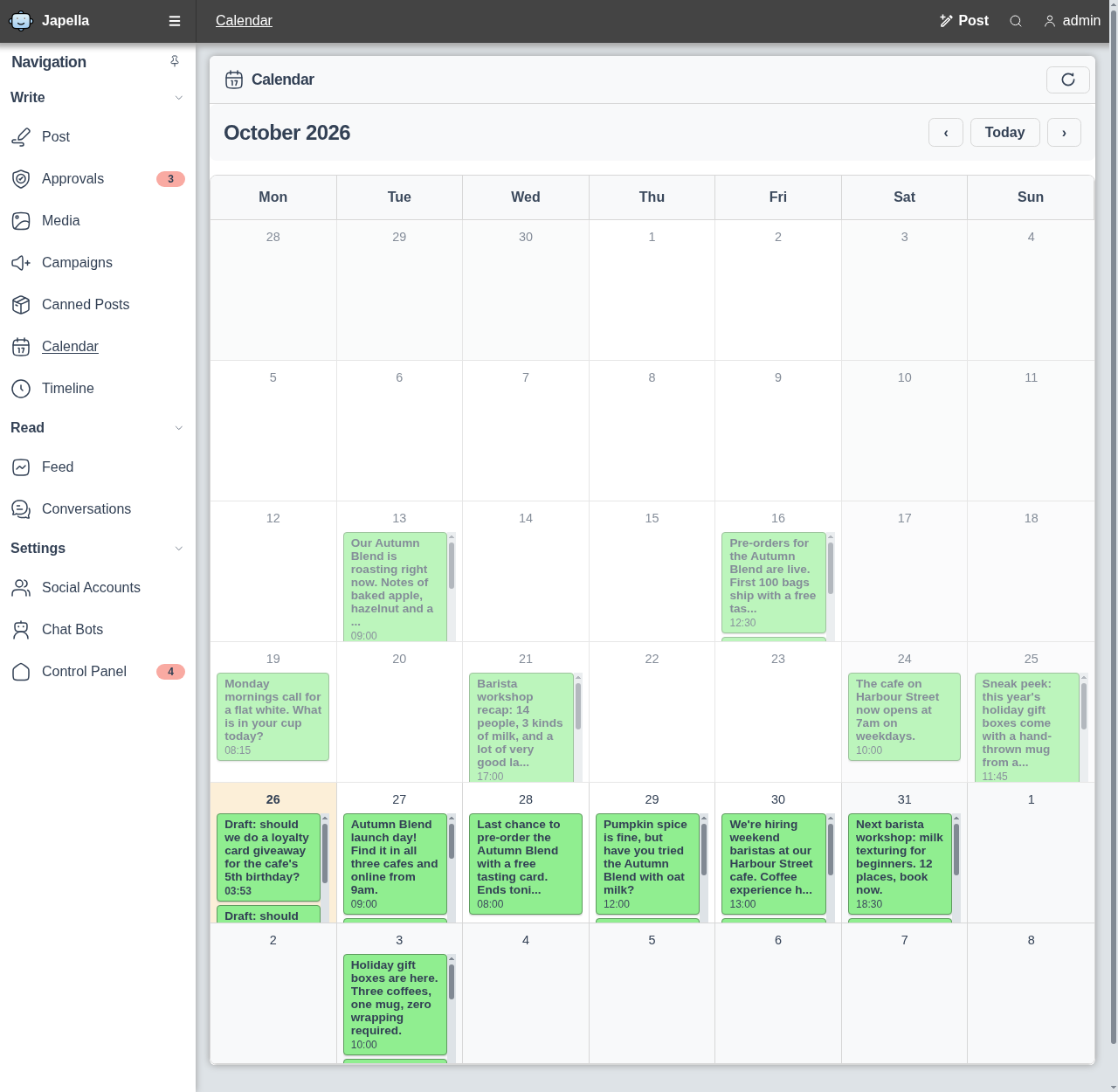
Content calendar
See what went out and what is coming up at a glance, so gaps and clashes in your posting schedule are easy to spot.
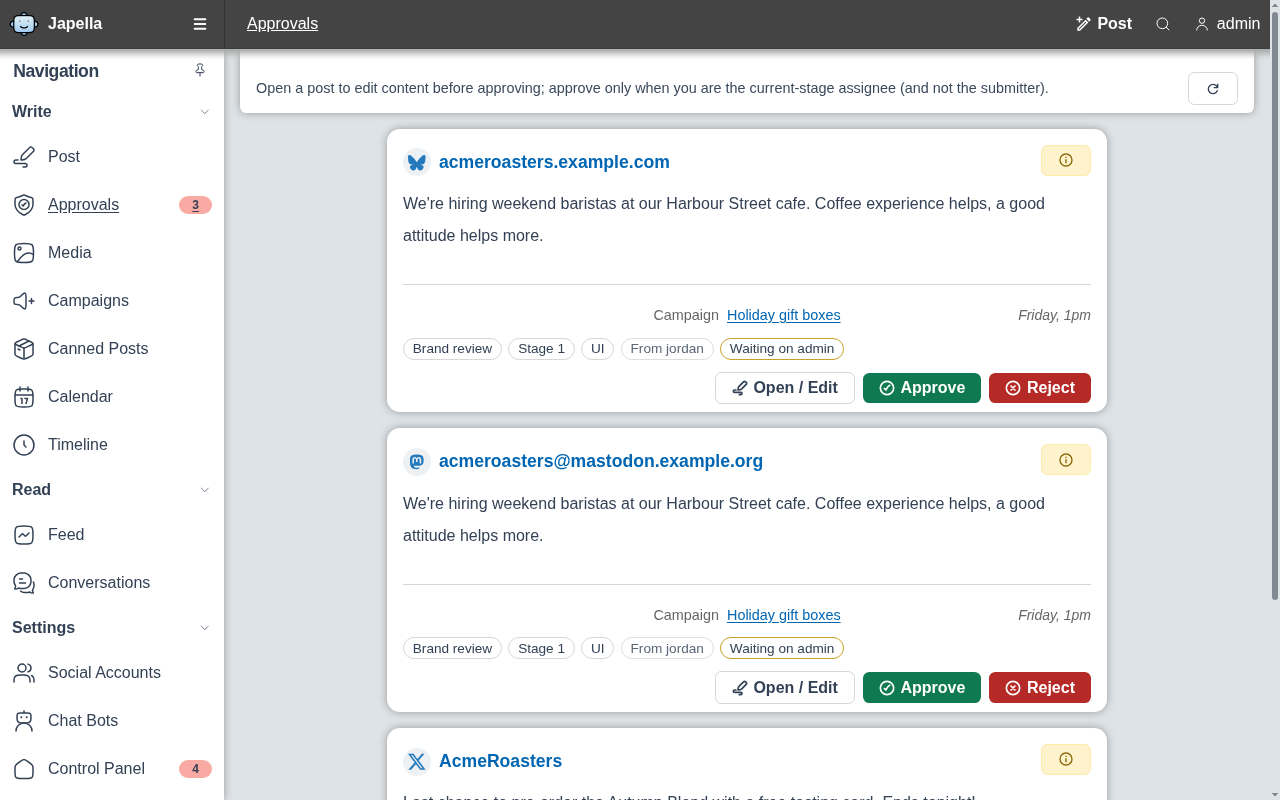
Approvals
Account policies can hold posts for review. Approvers see what is waiting for them and approve or reject it before anything is published.
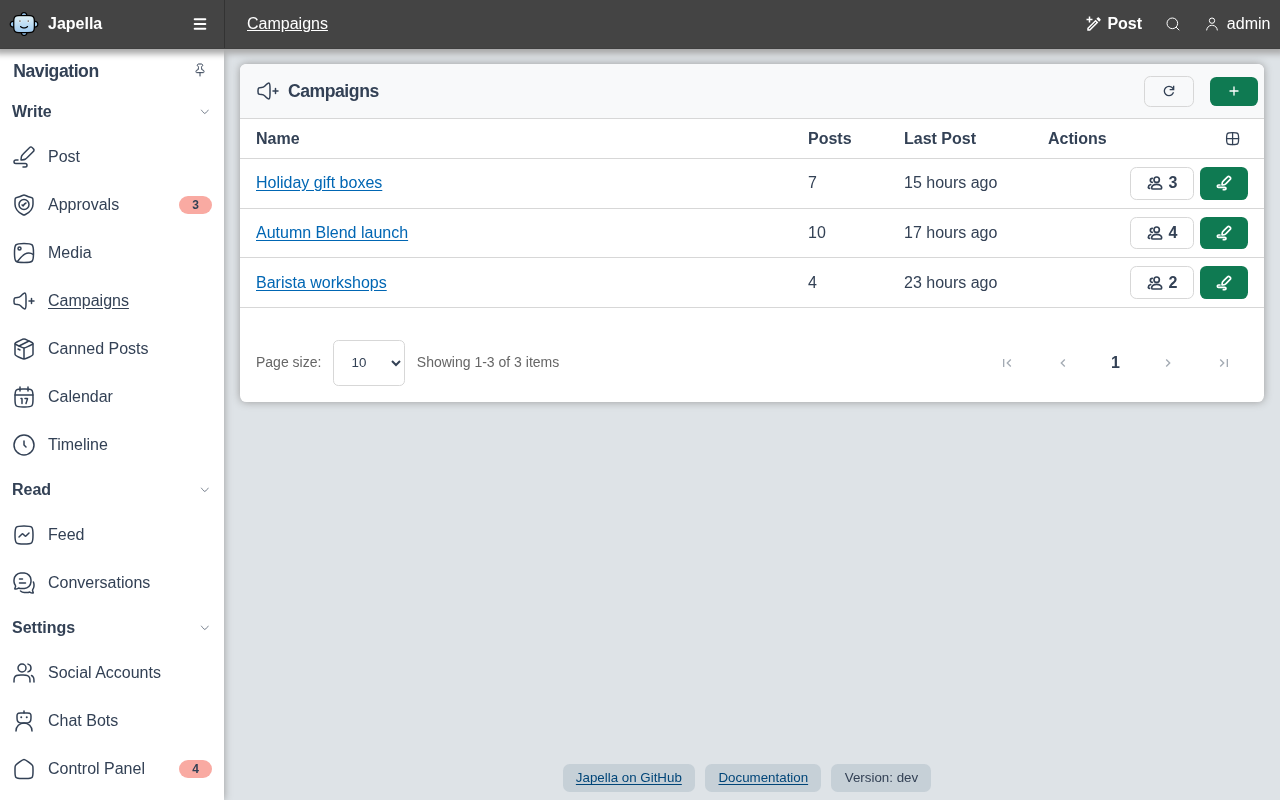
Campaigns
Group related posts and accounts into campaigns, such as a product launch, and track how much has gone out for each one.